For trainers and instructors
Training goes on even on the days you don't meet
Build clients a home exercise program with video, run group classes and let clients book online. All in one tool.
- Mon
At home
4 exercises
- Tue
Personal training
6:00 PM
- Wed
At home
4 exercises
- Thu
Healthy back
9:00 AM
8 of 10
- Fri
At home
5 exercises
- Sat
Rest
- Sun
Rest
- Training with you
- Group class
- Home program
Who Cvikio is for
For anyone who gets people moving and wants them to keep exercising on their own.
Personal and fitness trainers
After each session, send your client a home program. A video with every exercise shows the right technique, even when you are not there.
Studios with classes
Pilates, yoga or health exercise. Set up classes with a capacity, clients sign up online and join the waitlist when a class is full.
Senior exercise instructors
The client side has large text and simple controls. Seniors open their program with a QR code on their phone, or get a printed brochure.
What you get in Cvikio
The same features as physiotherapists. You and your clients just see the title trainer or instructor.
Home programs
- Exercises with video, photos and dosage
- A shared exercise library you can add your own exercises to
- Clients open the program via a link, code or QR code, with no sign-up and nothing to install
- A printed brochure with QR codes to the videos
Classes and booking
- Group classes with capacity, a waitlist and attendance
- Online booking of personal sessions with email and SMS reminders
- A public booking page for your organization
Clients and team
- A client directory with tags
- An AI assistant that drafts a program from your library. You decide on the exercises.
- Shared clients and roles for colleagues on the Team plan
How to start
Three steps to your first client program.
Create an account
When signing up, choose Trainer or Instructor. The app then shows you and your clients the right title.
Build your first program
Pick exercises from the shared library or add your own with video, and set the dosage.
Send it to your client
Your client gets a link, code or QR code and exercises along with the video. You can update the program at any time.
Pricing
Priced to your organization
You pay based on team size and usage. Write to us and we'll prepare a tailored quote, no commitment.
We set up your account manually and walk you through the first setup.
News
From our blog
Tips for working with clients, product news and stories from practice.
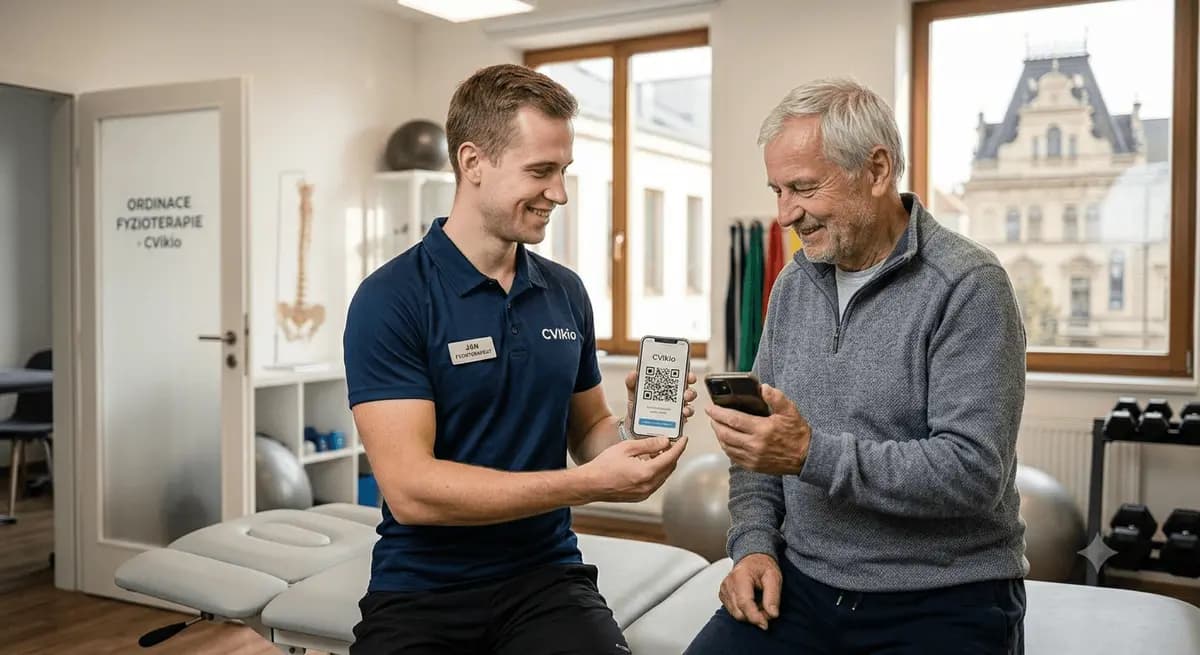
How to share an exercise program with a QR code
Build a program, generate a code, and your client opens it on their phone. No install, no sign-up, one scan.
Read more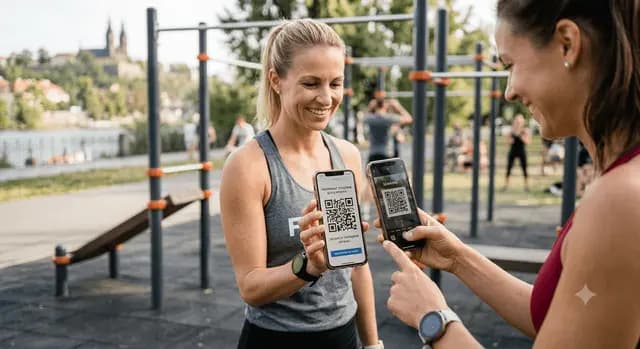
5 tips to motivate clients to exercise at home
The best program is useless if the client doesn't do it at home. Five things that help with adherence.
Read more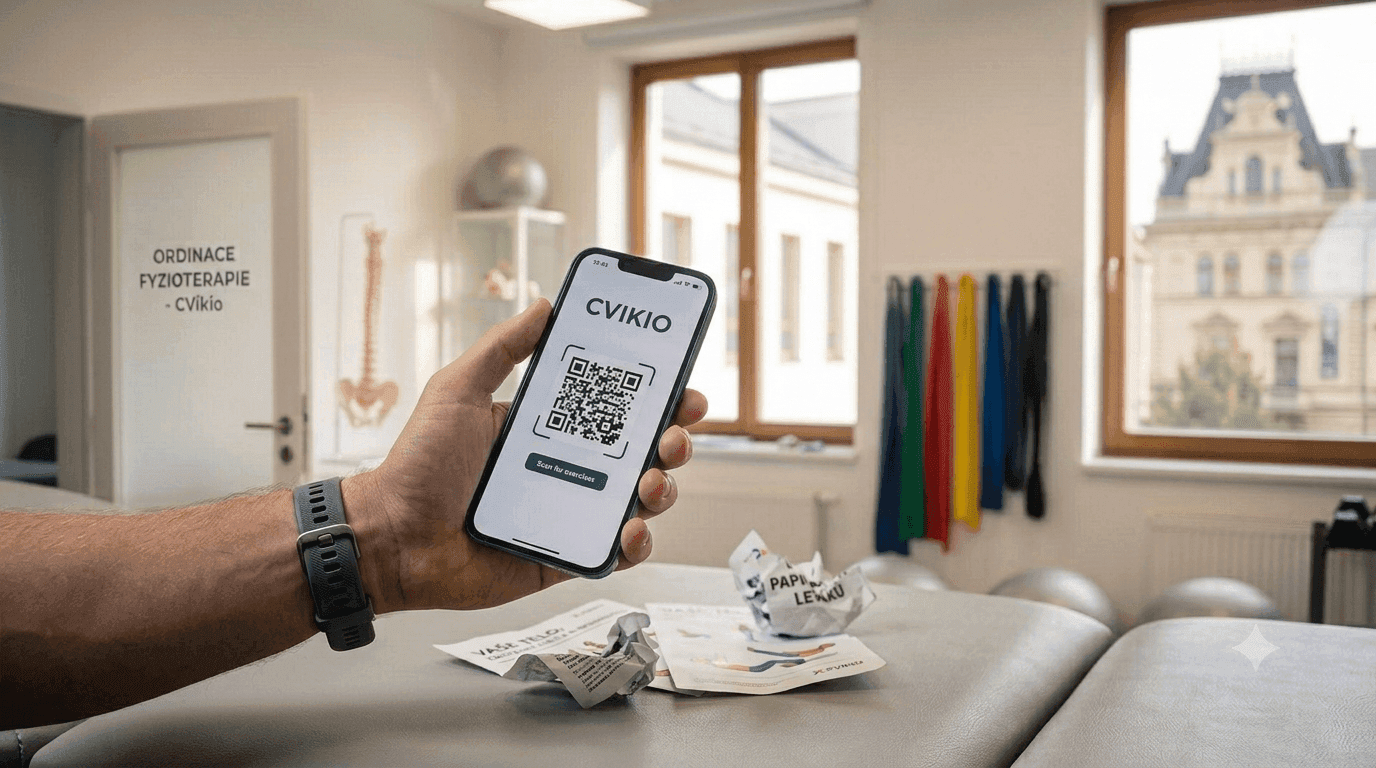
Beyond paper handouts: why to keep exercises online
A printed handout gets crumpled, lost, or ends up in a drawer. An online program solves most of its weaknesses.
Read moreQuestions from trainers
Didn't find an answer? Write to us.
Is Cvikio for trainers different from the version for physiotherapists?
No. Features, library and prices are the same. Only the title differs: the app shows you and your clients trainer or instructor instead of physiotherapist.
Does the client have to install anything or sign up?
No. They open the program in a browser via a link, code or QR code.
Does Cvikio work for group classes too?
Yes. Set up a class with a capacity, clients sign up online and join the waitlist when it is full. You keep attendance in the app. See the pricing for how many class types you can have.
What exercises are in the library?
The library is shared by all organizations and mostly contains mobility, strengthening and stability exercises. You can add your own exercises with video and photos.
Does Cvikio replace physiotherapy?
No. Cvikio is a tool for building exercise programs, and you decide what your client does. If your client has pain or health problems, refer them to a doctor or physiotherapist.
Contact
Want to see it live?
Try it yourself, or book a short walkthrough. We'll get back to you by the next day.
Write to us at info@cvikio.cz