1 min read
How to share an exercise program with a QR code
Build a program, generate a code, and your client opens it on their phone. No install, no sign-up, one scan.
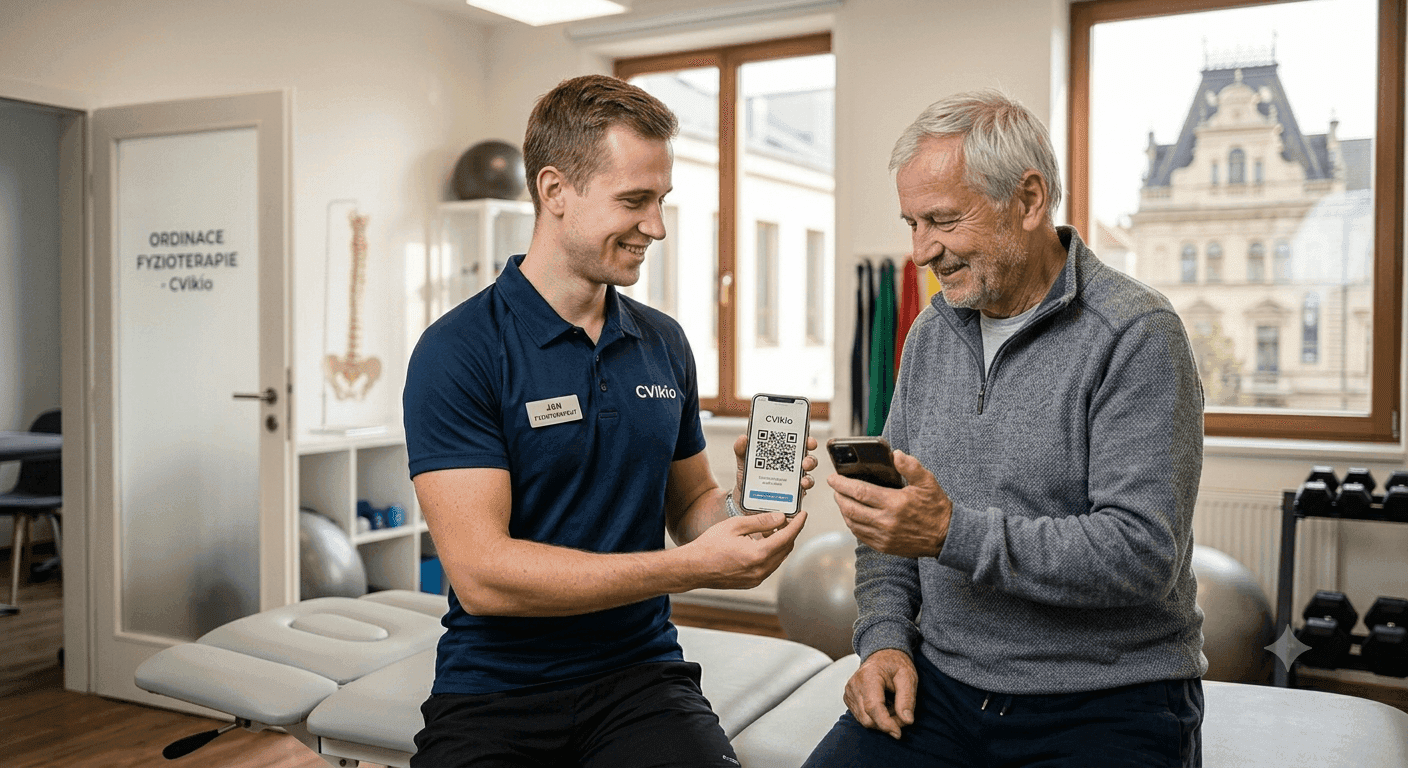
Handing a client their exercise program should take a few seconds – not printing handouts and explaining where to find the videos. With Cvikio you build a program, generate a code, and the client opens it on their phone via a link or a QR code.
How it works
- Build a program from exercise packages you prepare in advance.
- Generate a code – the app creates a short code and a QR.
- Hand it over – print the QR on a card, send the link by email or SMS, or just show the QR on screen.
The client installs nothing and signs up for nothing. They scan the QR, their program opens with videos and photo guides, and they can start.
Why a QR code
- Speed – the client is in their program in a single scan.
- No passwords or accounts – great for less tech-savvy clients too.
- Works anywhere – at home, in the waiting room, at the front desk.
Tip: print the QR on a small card and attach it to every program. The client keeps it handy and always finds their exercises easily.
You can edit the program any time and the client sees the current version without needing a new code.